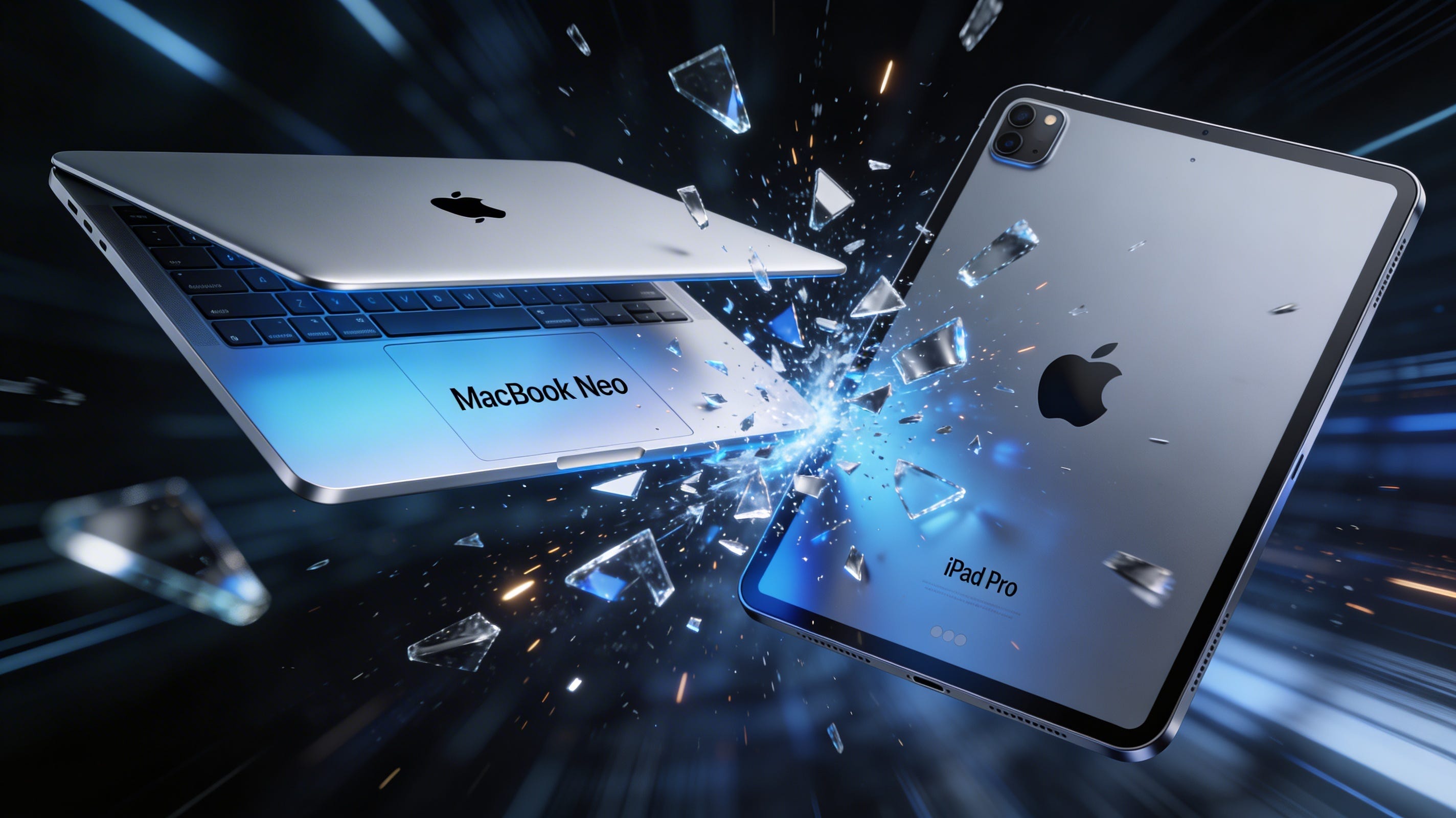
A $599 MacBook Can Do More Than a $2,000 iPad Pro, and That's a Choice Apple Made
Reviewing iPadOS 26 and what Apple needs to fix before iPadOS 27, because the MacBook Neo just made their software limitations impossible to ignore.
I’ve been living on iPadOS 26 since it dropped back in September, and I have thoughts. A lot of them. This is probably the most significant iPad software update we’ve ever gotten, and it deserves a real look. What’s working, what’s not, and what Apple still needs to do if they’re serious about the iPad replacing a Mac for most people.
Let me start with the good stuff.
The new windowing system is the star of the show, and it’s not even close. Apple finally replaced Split View and Slide Over with something that actually resembles how a real computer handles windows. Apps are freely resizable now, with traffic light controls like macOS, tiling options, and a menu bar you can pull down by swiping from the top of the display. The best part is the new windowing engine optimizes rendering by analyzing which windows you’re actively using, so it runs on all iPads that support iPadOS 26, not just the M-series chips. Stage Manager got the same treatment. It’s opt-in, which is the right call, and it’s a massive improvement over the old multitasking setup.
The Files app got a real overhaul too. You can organize files and customize folders in ways that actually make sense now, and with folders in the dock, you can get to your downloads and documents from anywhere. You can also set a default app for opening specific file types, which is one of those things that should’ve existed years ago.
On the creative side, iPadOS 26 now includes a Preview app similar to the macOS version, with Apple Pencil support for markup. You can record high-quality video and audio streams separately for podcasting and video production, encoded as MP4 files using HEVC video and FLAC audio. And background tasks finally let exports run while you switch apps. If you’ve ever had a video export fail because you left the app for thirty seconds, you know how big that is.
Apple Intelligence is more deeply integrated, powering Live Translation and new Shortcuts actions. And the Liquid Glass design language, the first major visual overhaul since iOS 7, puts more focus on content by making interface elements almost entirely translucent. It’s a bold change. Not everyone loves it, but I appreciate the ambition.
However, it’s not all good news.
The new windowed multitasking works beautifully with a keyboard and trackpad, but try using it with touch alone and it gets clunky fast. If you don’t have a Magic Keyboard or trackpad, you’re going to need some patience. And for a company that built its reputation on intuitive touch interfaces, that’s a weird place to land.
Performance on older hardware is a real problem. Some users report iPadOS 26 slowed their iPad mini 6 to a crawl, with even locking the screen pushing the open app out of memory. Battery life took a hit compared to iPadOS 18, and that’s hard to ignore when you’re trying to use the iPad as your primary device.
Siri and Apple Intelligence are still underbaked, at least for me. Siri falls back to ChatGPT way too often, and there are times it just refuses to process a request entirely. That’s not great for a feature Apple keeps putting front and center at every keynote.
And then there’s the removal of classic Split View and Slide Over. I get why they did it. They want people to move to the new system. However, the removal feels unnecessary. Longtime iPad users who preferred the simplicity of the old multitasking are frustrated, and I don’t blame them. You don’t have to kill the old thing to make the new thing work. Granted, they kind of brought both back in an updated version of iPadOS 26, but it’s clear there are enough people who just want an option to turn back to the older version when they want to and not be forced to use features that may be helpful for others but doesn’t yet work for them.
Reception was mixed overall. Critics praised the design, the windowing, and the creative features, but the controversy around Liquid Glass, the learning curve, launch bugs, and the continued lack of multi-user support all took the shine off. It’s a good update. It’s not the update that closes the gap with macOS. Not yet.
And then Apple released the MacBook Neo.
Two weeks ago, Apple started selling its cheapest laptop ever. The MacBook Neo starts at $599, or $499 with an education discount. It runs on an A18 Pro chip, the same silicon that powered the iPhone 16 Pro. It has a 13-inch Liquid Retina display, up to 16 hours of battery life, and it comes in four colors. It’s clearly aimed at students, first-time buyers, and the massive number of iPhone users who’ve never owned a Mac.
Here’s the thing that should bother every iPad Pro owner. The MacBook Neo runs the full macOS operating system. Terminal access. Xcode. Multiple user accounts. Clamshell mode with an external display. Full Finder. Every macOS app in existence. All of it, on a $599 laptop powered by an iPhone chip.
Now look at the iPad Pro. The 11-inch starts at $999. The 13-inch starts at $1,299. Add a Magic Keyboard and you’re easily past $1,500. These things run M5 chips, the same silicon family that powers the MacBook Pro. And yet iPadOS won’t let you open a Terminal, create a second user account, or turn off the screen when you plug into an external monitor. A $599 MacBook Neo with an iPhone chip can do things a $2,000+ iPad Pro with a laptop chip cannot. Let that sink in for a second.
I’m not saying the iPad Pro and MacBook Neo are the same device or serve the same audience. They’re not. The iPad has the touchscreen, the Apple Pencil, the form factor flexibility. But the software gap between what macOS allows and what iPadOS restricts is no longer a technical limitation. It’s a business decision. Apple is choosing to hold the iPad back, and the MacBook Neo makes that choice impossible to ignore.
So here’s what I actually want to talk about. iPadOS 26 laid the foundation, but the iPad still isn’t a Mac replacement for most people. The hardware has been ready for years. M-series chips identical to what’s in MacBooks. And yet the software keeps holding it back. These aren’t hardware limitations. They’re choices. And Apple needs to make different ones with iPadOS 27.
Multi-user account support is probably the single biggest missing feature. Macs let you create separate accounts with their own apps, data, and Apple IDs. Guest mode, family sharing, whatever you need. The iPad was built with the iPhone philosophy, one person, one device, and that made sense ten years ago. It doesn’t anymore. If a $499 Mac Mini can handle multiple user accounts, a $1,300 iPad Pro should be able to as well. And now a $599 MacBook Neo can too.
Clamshell mode is another glaring omission. On a MacBook, you close the lid, plug in a monitor and keyboard, and the internal display turns off. Everything runs on the external screen. Simple. On an iPad, the screen has to stay on when you connect to an external monitor. There’s no way to turn it off and drive only the external display. It wastes battery, creates a redundant second screen you don’t need, and makes desk setups feel half-baked. True clamshell mode would let you connect an external display, keyboard, and mouse, turn the iPad’s screen off entirely, and run the full iPadOS experience on the monitor. Wake and sleep from the external keyboard. That’s it. The M-series hardware can handle this without breaking a sweat. It’s purely a software limitation, and at this point it feels like Apple is choosing not to do it rather than being unable to.
And while we’re talking about external displays, the broader support still isn’t where it needs to be. Independent wallpapers, widget support on external monitors, the ability to access the Home Screen and Control Center on the connected display, none of that exists yet. Connecting an iPad to a monitor should feel exactly like connecting a MacBook. It doesn’t. Not even close.
Terminal access and developer tools are another gap that’s hard to justify. iPadOS 26 still doesn’t give you a Terminal, and there’s no native way to run Xcode or build apps directly on the iPad. You can use Swift Playgrounds or something like Textastic for basic coding, but it’s not the same. If you need Terminal access, iPadOS just isn’t for you, and that’s a problem when the hardware is identical to the machines that do have it. A native Xcode, even a lite version, and a proper Terminal would unlock the iPad for an entire class of professional users who are currently stuck carrying a MacBook alongside their iPad Pro. I’m not a developer, but I know enough people who are to understand how much this matters. And again, the $599 MacBook Neo has full Terminal access out of the box. There’s no justifying that gap anymore.
Peripheral customization is surprisingly bad. There’s almost no way to customize mice, trackpads, keyboards, or external webcams beyond what’s in the accessibility settings. Most peripheral brands have dedicated software for this stuff on macOS, but the iPad doesn’t support any of it. Apple needs to either open APIs for manufacturers or build a native settings panel for advanced input configuration. If you’re going to sell a $300 Magic Keyboard and market the iPad as a laptop replacement, the least you can do is let people customize how their input devices behave.
The iPad is also missing a bunch of utility apps that macOS has had forever. A built-in clipboard manager. The ability to record specific windows or screen areas. A Font Book app. An Activity Monitor or task manager. A Disk Utility equivalent for managing storage and connected drives. Deeper automation through Shortcuts that actually matches what Automator can do on the Mac. These aren’t flashy features, but they’re the kind of stuff that makes macOS feel like a real operating system and iPadOS feel like it’s still playing catch-up. You don’t notice them until you need them, and then you really notice them.
There’s a rumor from January that Apple wants to turn Siri into a full-blown chatbot with an app-type interface to compete with ChatGPT, reportedly being tested internally under the codename “Campos.” The updated Siri is supposedly the main feature of iOS 27, iPadOS 27, and macOS 27. I hope that’s true, because a truly intelligent, context-aware Siri would be transformative for the whole ecosystem. However, I’ll believe it when I see it. Apple has promised Siri improvements before, and we’ve been burned enough times to be skeptical.
macOS app compatibility is the elephant in the room. iPadOS only supports apps built for iOS and can’t run macOS applications. Mac Catalyst exists, but converting apps is way more complex than Apple makes it sound. macOS apps rely on libraries, APIs, and frameworks that simply aren’t available on iOS. With M-series chips, there’s no hardware reason an iPad can’t run macOS apps. A compatibility layer, even for select pro apps like Logic Pro, the full version of Final Cut Pro, or Xcode, would change the game overnight. Don’t get me wrong, I understand the technical complexity. But the hardware parity between iPads and Macs makes the software gap feel increasingly arbitrary.
The Files app got better, but it’s still not Finder. Root-level file system browsing, better archive handling, native NTFS and ext4 drive support, improved SMB and NFS network drive connections, all of this is still missing or half-implemented. For people who work with files from different systems and platforms, this stuff matters every single day.
And honestly? More than any single feature, what iPadOS 27 needs most might be stability. A November 2025 report compared iOS 27 to macOS Snow Leopard, focused primarily on eradicating bugs, replacing old code, and improving battery life. That’s exactly the right approach. The new windowing system needs to be buttery smooth on every supported device. The battery drain from Liquid Glass needs to be fixed. The persistent bugs from the iPadOS 26 launch need to be squashed. Polish the foundation before you add more floors.
Greater dock and menu bar customization would round things out too. More options for how they look and behave, consistent visibility across apps, and the kind of adaptability that makes the iPad feel like your machine instead of Apple’s idea of what your machine should be.
iPadOS 26 is the biggest step forward the iPad has ever taken toward being a real computer. The windowing system, the Files improvements, background tasks, the Preview app. It’s closer to macOS than it’s ever been. However, closer isn’t there. The iPad still lacks multi-user support, clamshell mode, terminal access, full peripheral customization, robust external display support, and macOS app compatibility. All things the M-series hardware could handle easily. All software choices, not hardware limitations.
And now there’s a $599 MacBook that can do all of it.
If Apple delivers on the Siri overhaul, prioritizes the Snow Leopard-style stability push, and tackles even three or four of the gaps I’ve listed, iPadOS 27 could be the release that finally makes the iPad a legitimate macOS alternative for the majority of users. The hardware has been ready for years. It’s time the software caught up. Because right now, the cheapest Mac in Apple’s lineup makes the most expensive iPad look like it’s being held back on purpose. And I’m not sure how much longer Apple can pretend that’s not the case.